Table Editor
Use the Table editor to edit tables, by adding, changing, or removing columns, keys, indexes, and fact or dimension specific objects.
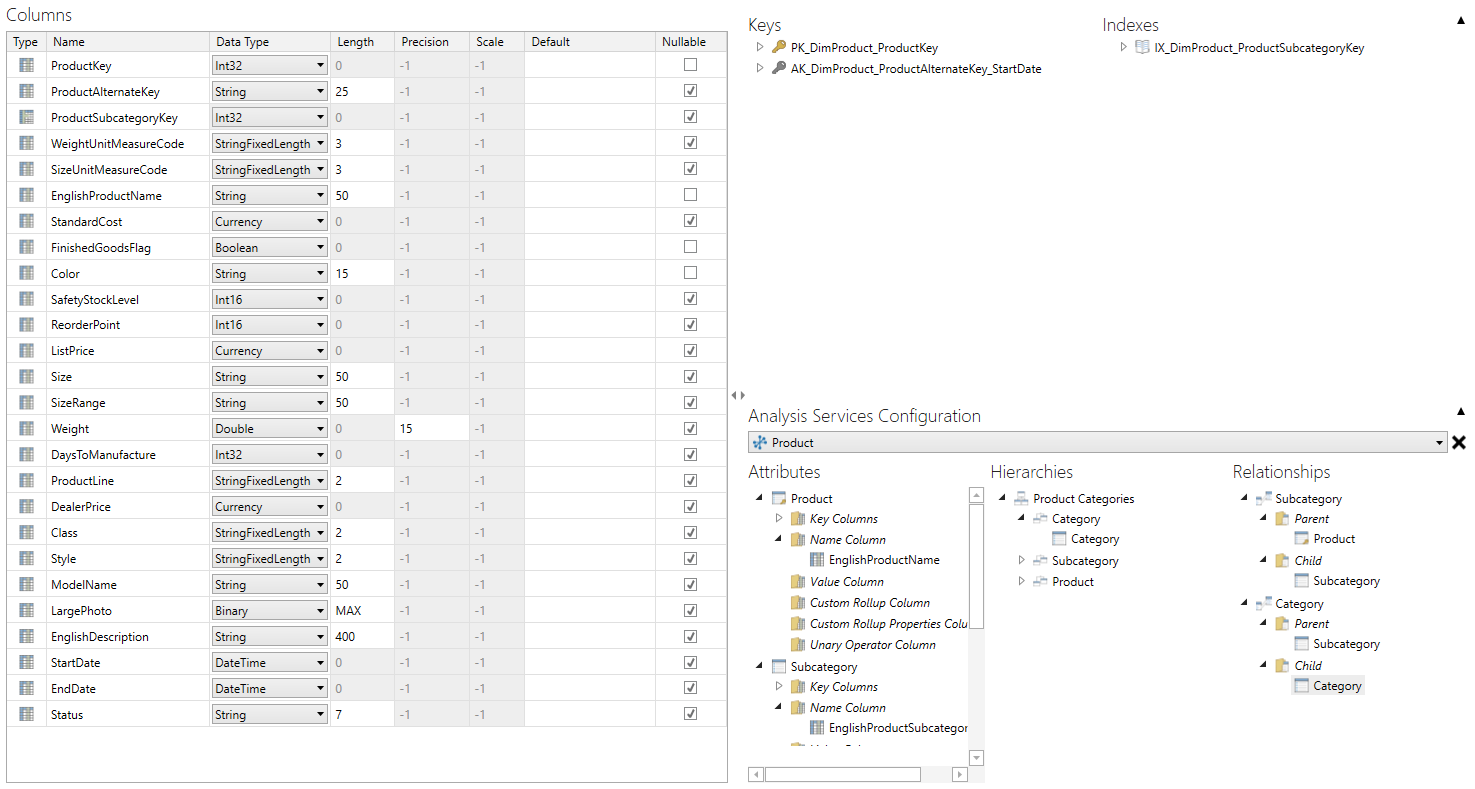
Enter a column's name, data type, length, precision, and other properties in the column's data grid row. Drag and drop a column to create related keys, indexes, or attributes.
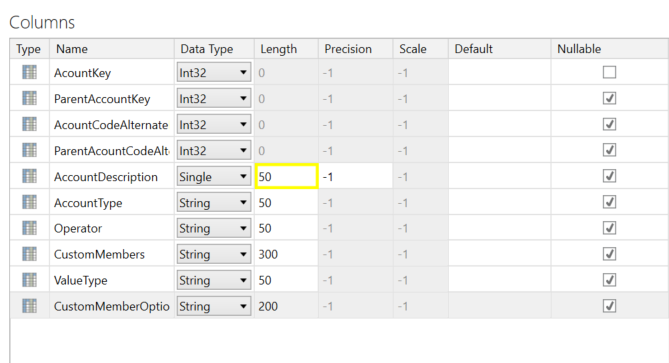
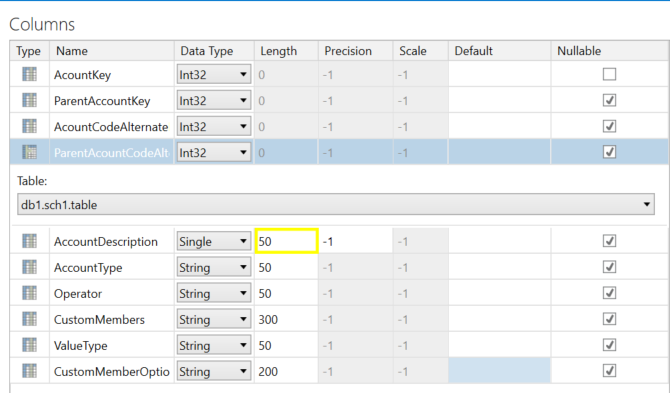
Edit a table reference column's table and snowflake columns in its data grid row's details area. Drag and drop a snowflake column to create related keys, indexes, or attributes.
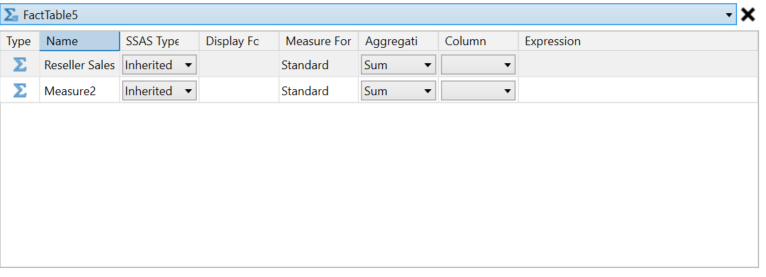
Edit a measure's name, SSAS type, measure format, aggregation type, and other properties in its data grid row.
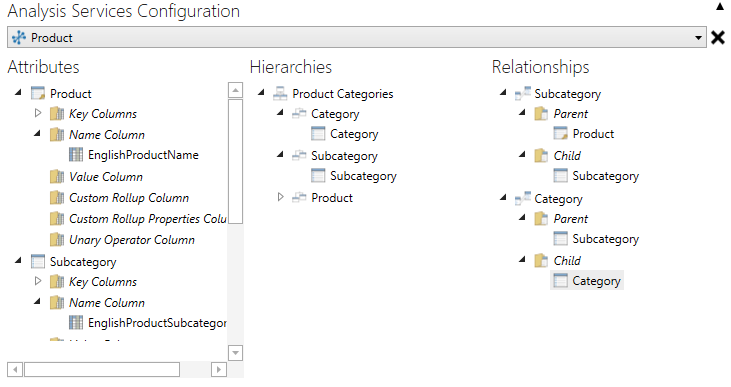
Edit a dimension's attributes, hierarchies, and relationships directly in their treeviews.
The table editor's ribbon provides the following functions:

| Button | Description |
|---|---|
| Table Column | Choose and add table columns to a table. The default is table column. |
| Import Table Assets | Display the Import Tables dialog, for importing schemas and tables from a database. |
| Key | Choose a key to add to a table. The default is primary key; if a primary key is present, then the default is unique key. |
| Index | Add an index to a table. |
| Measure | Add a measure to a fact table. |
| Attribute | Add an attribute to a dimension. |
| Hierarchy | Add a hierarchy to a dimension. |
| Relationship | Add a relationship to a dimension. |
| Autogenerate Measures | Add a measure for each table column not already associated with a measure. |
| Apply Measure Formats | Choose to preserve or overwrite existing measure formats. |
| Generate Attribute and Relationships | Choose to generate attributes, relationships, or both for a dimension. |