Cube Editor
Use the cube editor to create and modify cube dimension and measure groups, along with dimension relationships between cube dimensions and measure groups.
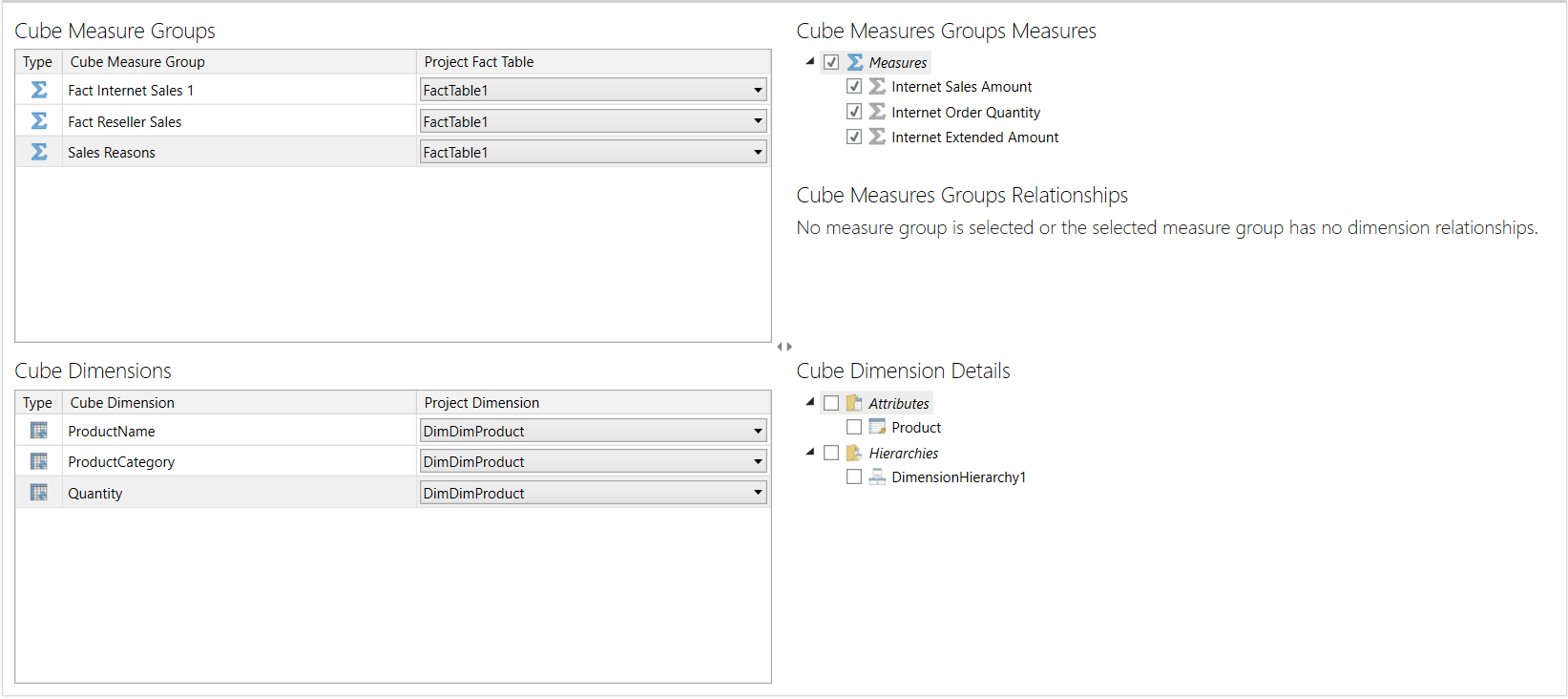
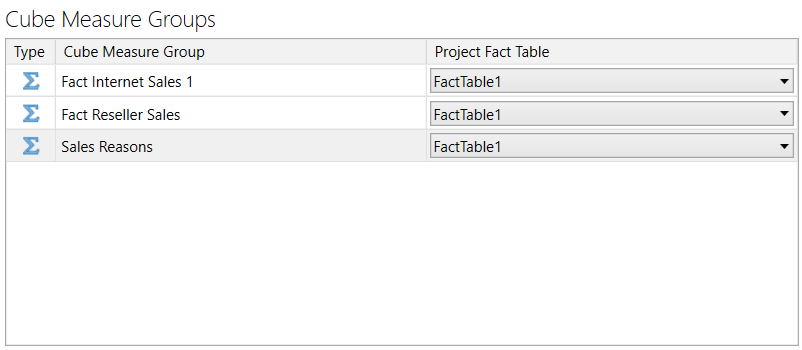
Input a measure group's name and associated fact table in the measure group's data grid row.
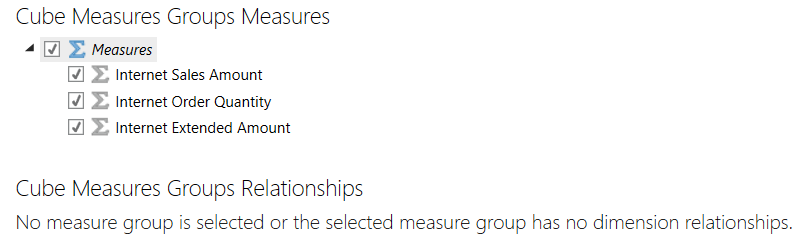
Select a measure group to choose its associated measures, and view and edit it's dimension relationships. Enter a dimension relationship's properties directly in its data grid row.
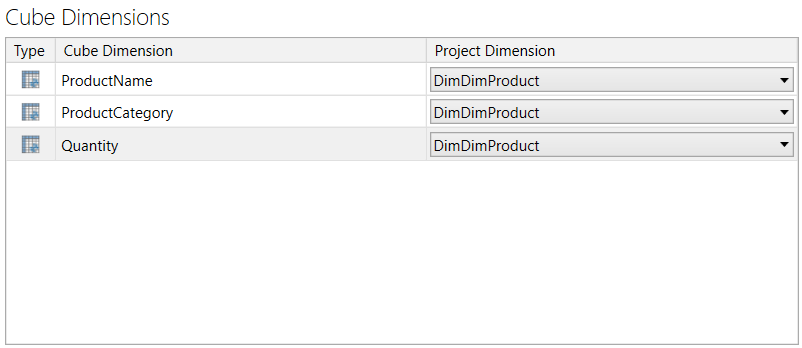
Enter a cube dimension's name and associated project dimension in the cube dimension's data grid row.
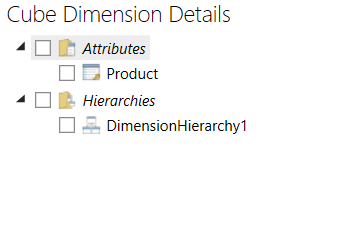
Select a cube dimension to view and change its associated cube attributes and hierarchies.
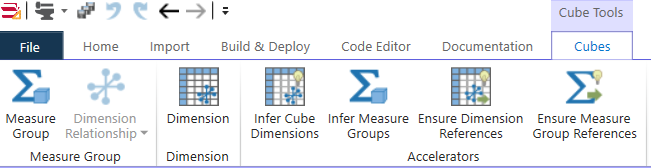
The cube editor's ribbon provides the following functions:
| Button | Description |
|---|---|
| Measure Group | Add a measure group to the cube. |
| Dimension Relationship | Choose and add a dimension, dimension reference, or many to many relationship to a selected measure group. |
| Dimension | Add a dimension to the cube. |
| Infer Cube Dimensions | Generate cube dimensions and dimension relationships from project dimensions and measure groups. |
| Infer Measure Groups | Generate measure groups from project fact tables. |
| Ensure Dimension References | In each cube dimension, add references to its associated project dimension's attributes and hierarchies. |
| Ensure Measure Group References | In each measure group, add references to its associated fact table's measures. |