BimlStudio Connection Editor
Use the Connection editor to edit properties and connection strings.
For database connections, enter a connection string and provide authentication information.
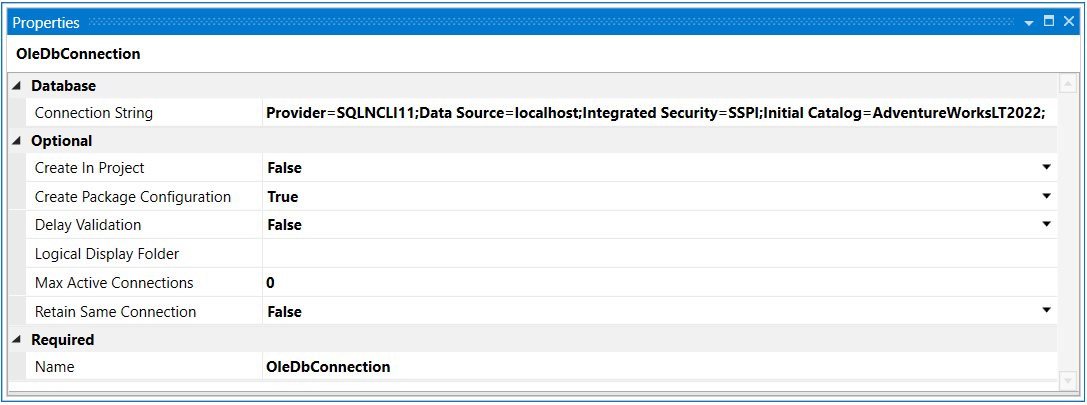
For HTTP connections, proxy bypass addresses can also be entered.

The connection editor's ribbon provides the following functions:
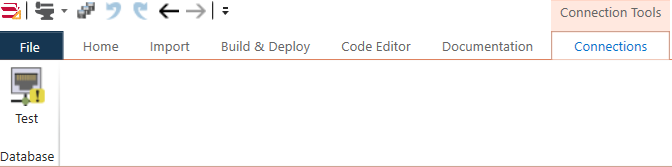
| Button | Description |
|---|---|
| Test | Test OLE DB based connections to confirm they work. |
Cloud Connection Options
BimlStudio supports connections to various cloud platforms:
- Azure SQL Database - Use Azure AD authentication or SQL authentication
- Snowflake - Configure using the Snowflake ODBC driver
- Databricks - Connect using Unity Catalog and personal access tokens
For detailed information on configuring cloud connections, see the Cloud Connections guide.