
Version Editor
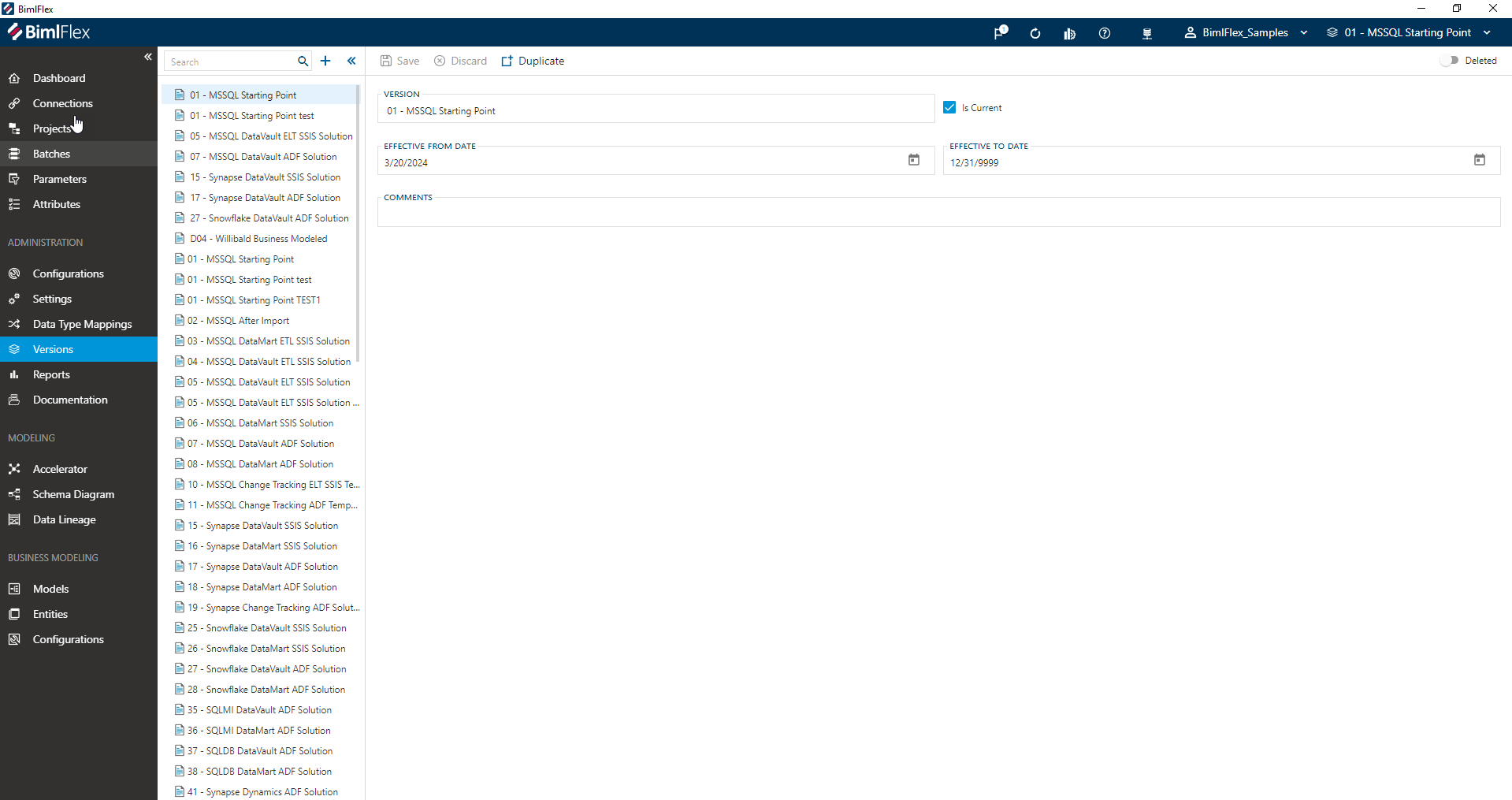
The Version Editor is used to manage versions of the metadata and BimlFlex versions for the active customer. The Version Concept allows for capturing changes in metadata and managing versions over time.
Overview
 Versions can be opened from the Versions entry of the command palette, or from the Open Version Editor icon of the Version dropdown in the Setup panel.
Versions can also be opened from Manage versions at the foot of the version menu in the toolbar.
note
Descriptions of Version properties are available in the Reference Documentation.
Action Buttons
The buttons in the command bar allow actions to be taken on the selected Version.

| Icon | Action | Description |
|---|---|---|
 | Save | This will save any changes displayed in the Versions form. The Save button is only enabled if there are changes in the form. |
 | Discard | This will Discard any unsaved changes and revert to last saved form. |
 | Duplicate | This will create a duplicate of the selected Version. A Duplicate Parameter Dialog will appear asking for a Version Name and a new Version will be created using all of the selected Version's current properties. Please note that the metadata itself will not be copied to the new version this way, for this feature please use the Clone Version option available in the BimlFlex dashboard |
 | Deleted | This will soft-delete the currently selected Version. This version will only be visible if Show Deleted is enabled in BimlFlex settings. |